
Best Laptop Stand for Neck Pain: A Work From Home Buyer’s Guide
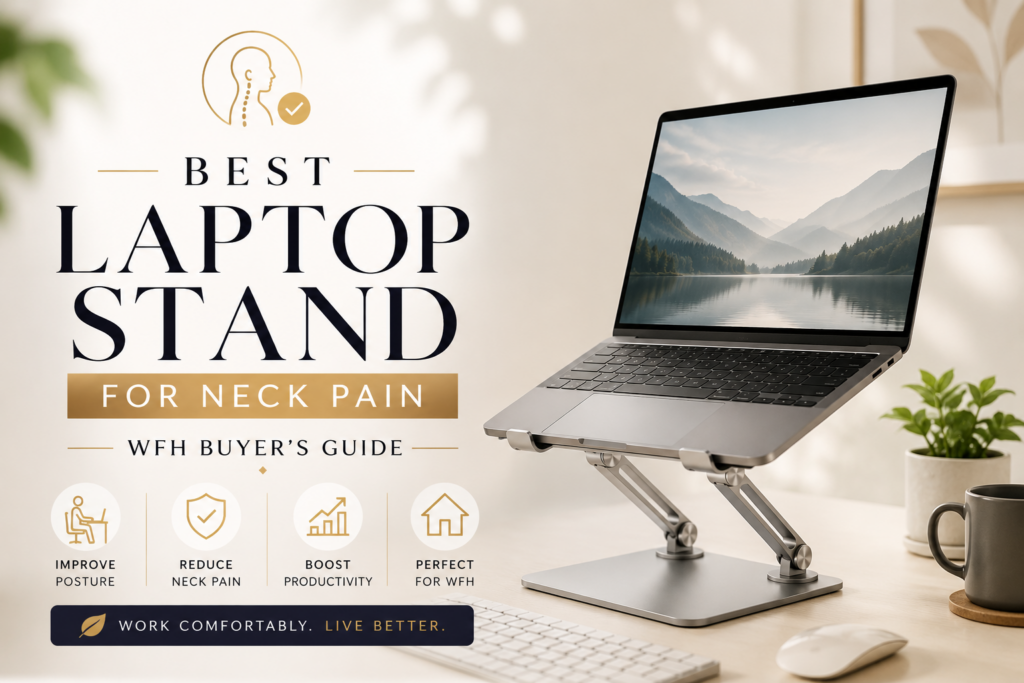
If your neck aches by 3pm every workday, your laptop setup is probably the reason. Most laptops sit flat on a desk with the screen about eight to ten inches below eye level. To see the screen, your head tips forward and stays there for hours. That single habit is behind a large share of the neck, shoulder, and upper back pain that remote workers experience today.
The fix is simpler than most people expect. The best laptop stand for neck pain raises your screen so the top third lines up with your eyes when you sit up straight. Your head stops leaning forward, your neck muscles stop fighting gravity all day, and the tension that used to build up by lunchtime just does not show up anymore.
This guide walks through how laptop stands actually help, what to look for before you buy one, and which types work best depending on how and where you work.
Why Your Neck Hurts After a Full Day on a Laptop

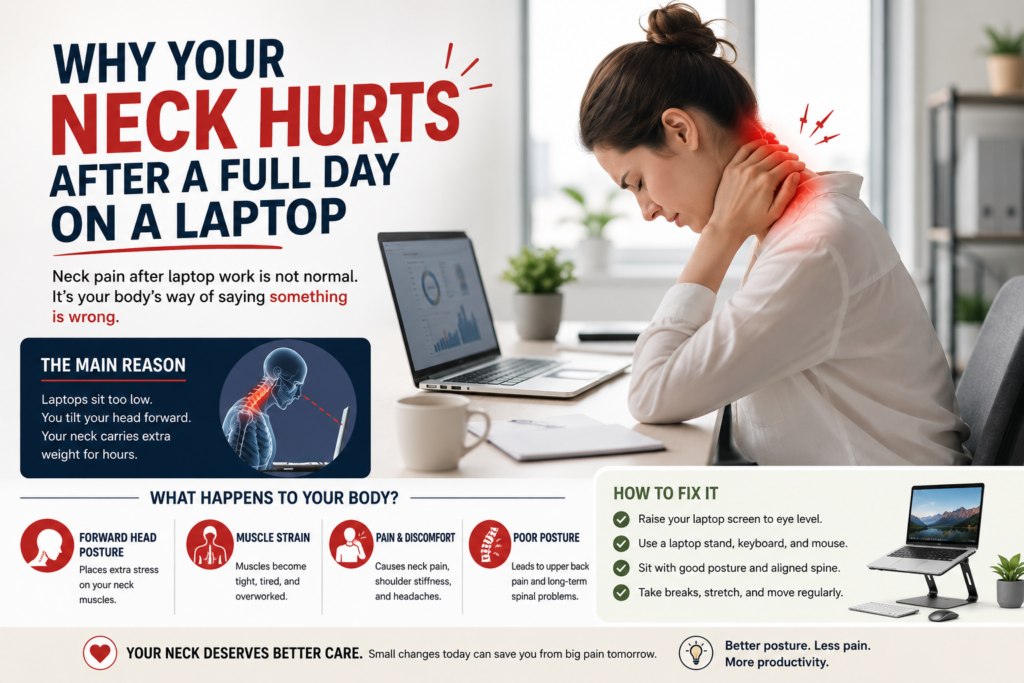
Your head weighs about ten to twelve pounds when it sits directly above your spine. The moment you tilt it forward to look down at a low screen, the load on your neck multiplies. Physical therapists sometimes compare it to holding a bowling ball at arm’s length instead of close to your body. According to Mayo Clinic Health System, bending your head forward at a 45 degree angle to look at a screen can dramatically increase the load your neck carries, and tech neck has become a condition that ergonomics specialists see on a weekly basis in workplaces, schools, and industry.
This is not a minor annoyance either. Neck pain is the fourth leading cause of disability, with an annual prevalence rate above 30 percent, and nearly half of the people who get an episode of neck pain end up with recurring discomfort afterward. A systematic review of forward head posture treatment published in a peer reviewed journal also links this posture directly to chronic neck pain and reduced daily function, not just short term stiffness.
The core problem with a laptop is that it forces a trade off. When the screen sits at a comfortable height, the keyboard is too high for your wrists. When the keyboard is comfortable, the screen is too low for your neck. A laptop stand solves this by separating the two, so you raise the screen and add a separate keyboard and mouse for typing.
What Makes a Laptop Stand Actually Good for Neck Pain
Not every laptop stand on the market does this job well. Some raise the laptop but wobble under normal typing pressure. Others load your desk with extra hubs, fans, and lights that add cost without solving the actual posture problem. Before you buy, check for these things.
Height range that hits eye level.

Lamicall Adjustable Laptop Stand, Portable Laptop Riser, Aluminum Laptop Stand for Desk Foldable, Ergonomic Computer Notebook Holder (10–17.3″)
Look for a stand that lets the top of your screen sit level with or just slightly below your eyes while you sit upright. A fixed riser works if you always sit in the same chair at the same desk. An adjustable or telescopic stand is safer if you switch between sitting and standing or share the desk with someone else.
A stable base under real use.
A stand that shakes every time you type is worse than no stand at all, because it adds a new source of tension while you try to keep the screen steady. Solid aluminum or steel frames with a wide footprint tend to hold up better than thin folding plastic designs, especially with larger 15 or 17 inch laptops.
Airflow underneath the laptop.
Raising the laptop off a flat desk actually helps cooling, since air can move under the vents instead of being trapped against the surface. This is a genuine side benefit, not just a marketing line.
Portability that matches your routine.
If you only work at one desk, a heavier fixed stand like a Rain Design mStand style riser is fine. If you move between a home office, a coffee shop, and travel, a folding stand under a pound, similar to lightweight aluminum travel stands from brands like Nexstand or Roost, packs away easily without adding much weight to your bag.
No unnecessary extras.
A laptop stand has one job, which is to raise your screen. Built in fans, phone holders, and USB hubs sound convenient but often add latency, noise on video calls, or extra points of failure. A simple stand paired with a separate wireless keyboard and mouse combo almost always outperforms an all in one gadget stand.
Best Laptop Stands for Neck Pain by Use Case
Best for a permanent desk setup:
A fixed aluminum riser, similar to the Rain Design mStand style design, gives a stable five to six inch lift that puts most 13 to 15 inch screens close to eye level without any moving parts to loosen over time. This style suits anyone who works from the same chair every day and wants a setup that never needs readjusting.
Best for adjustable height:
A telescopic stand, similar to popular Lamicall or Tounee adjustable models, lets you fine tune the exact height and angle. This matters if you switch chairs, share a desk with a partner, or want to move between a low coffee table and a taller standing desk during the day.
Best for travel and small spaces:
A folding aluminum stand under a pound is easy to slide into a laptop bag and set up on any flat surface, which makes it useful for coworking spaces, client offices, or working from a kitchen table without leaving a permanent riser out.
Best budget option:
A simple fixed angle plastic or aluminum stand under fifteen dollars will not have the adjustability of pricier models, but it still lifts the screen enough to reduce forward head tilt for occasional or part time laptop use.
Best stable pick for heavier laptops:
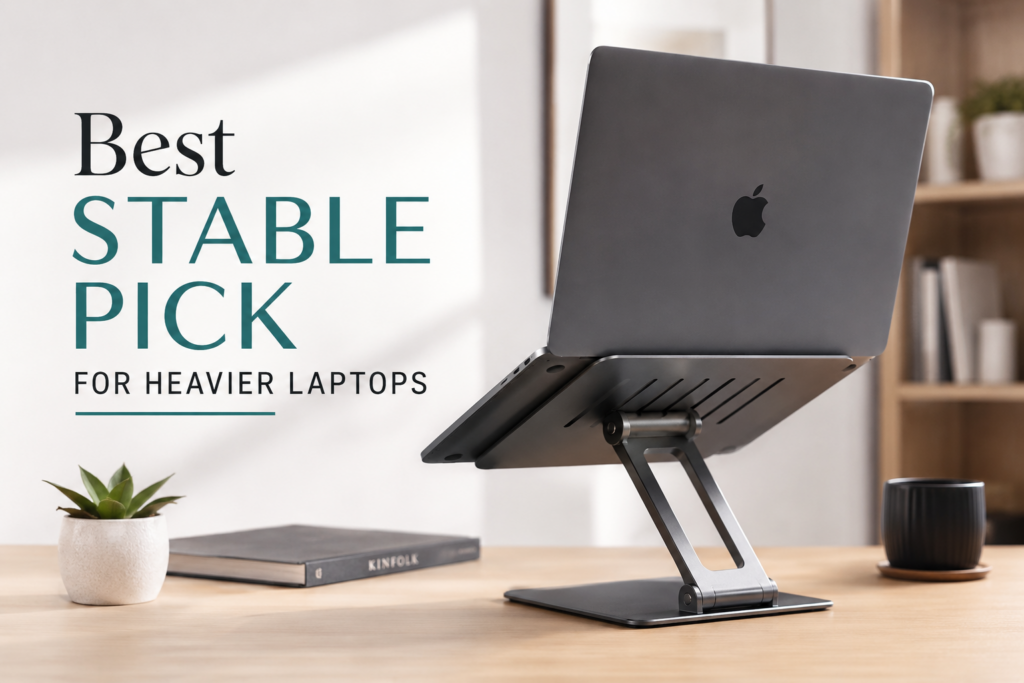
Look for stands rated for 17 inch gaming or workstation laptops with a wide, low center of gravity base. These sacrifice some portability for a platform that will not wobble under a heavier machine.
Whichever style you pick, pair it with a separate keyboard and mouse. Once the laptop is raised, typing directly on its built in keyboard forces your shoulders up into an awkward position, which just trades neck pain for shoulder pain.
How to Set Up Your Laptop Stand the Right Way
Buying the stand is only half the job. Setup determines whether it actually helps.
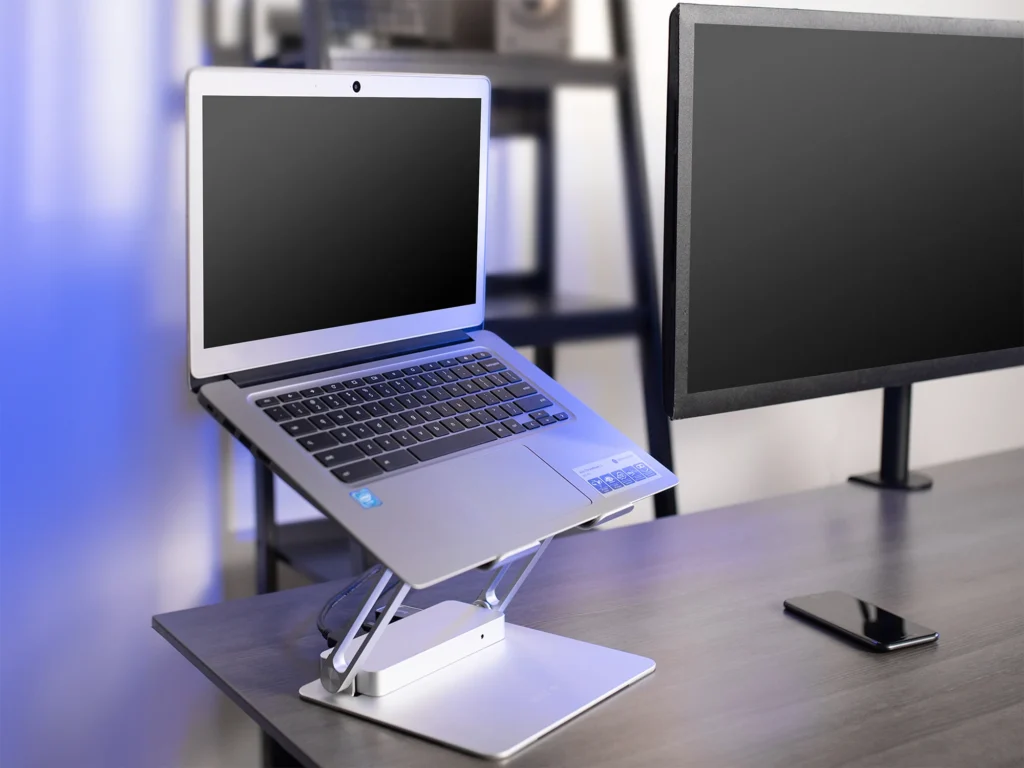
- Place the stand on a stable surface, then set your laptop so the top third of the screen lines up with your eyes when you sit up straight. Your head should stay level, forward facing, and roughly in line with your torso, according to OSHA’s guidance on neutral computer postures.
- Connect an external keyboard and mouse. Cornell University’s ergonomics program notes that full time laptop users should position the screen so they can see it without bending the neck, which usually means elevating the laptop with a stable support and adding separate input devices.
- Sit with your feet flat on the floor, elbows close to your body at roughly 90 to 120 degrees, and your back supported by your chair. A supportive office chair or desk setup makes a bigger difference here than most people expect.
- Keep the screen at least twenty inches from your eyes, and adjust the angle so you are not squinting or leaning forward to read text.
- Take a short break every thirty to sixty minutes to stand, stretch, and let your neck move through its full range of motion. Even a well set up desk cannot replace regular movement.
For anyone building a full home office rather than just fixing one problem area, browsing computer accessories for a home office setup alongside your stand is worth the extra ten minutes, since a mismatched chair or desk height can undo the benefit of a perfectly positioned screen.
Common Mistakes That Cancel Out a Good Laptop Stand
Even a great stand will not help if it is used the wrong way. A few mistakes show up again and again.
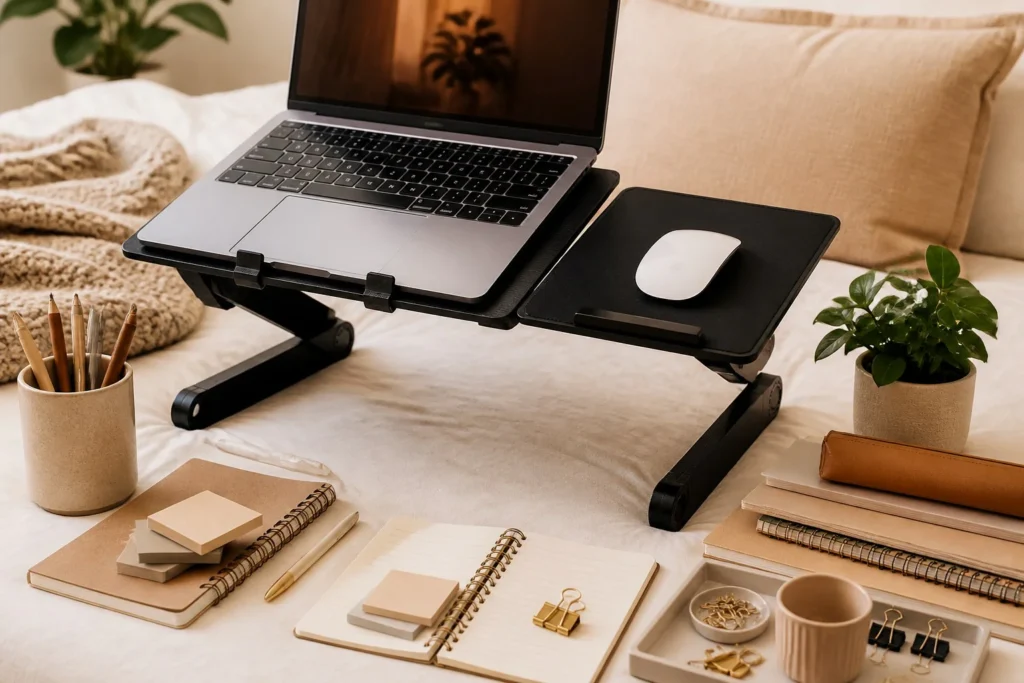
Typing directly on the elevated laptop keyboard is the most common one. Once the screen is raised, your hands are too high for a neutral wrist position, so a separate keyboard is not optional, it is part of the fix.
Setting the stand too high is another. The goal is eye level, not neck strain in the opposite direction. A screen positioned too far above your natural sightline forces your chin up and can cause its own tension in the back of the neck.
Ignoring the chair is a third. A laptop stand raises the screen, but if your chair pushes you into a slouched position, your neck will still drift forward to compensate. The stand and the chair need to work together.
Skipping movement breaks is the last one. Building movement into the day after sitting in a static position is part of maintaining a neutral, supported posture, not an optional extra step.
Frequently Asked Questions
Do laptop stands really help with neck pain?
Yes. Raising the screen closer to eye level reduces forward head posture, which is one of the main drivers of neck and shoulder strain during long laptop sessions.
Do I need an external keyboard with a laptop stand?
Yes. Once the laptop is elevated, typing on its built in keyboard puts your wrists and shoulders in an awkward position. A separate keyboard and mouse keep your hands at a natural, relaxed height.
What is the correct height for a laptop stand?
The top third of your screen should sit at or slightly below eye level when you are sitting upright with your back supported.
Can a laptop stand fix neck pain that has already started?
A properly positioned stand can reduce the ongoing strain that causes tech neck, but existing pain, numbness, or stiffness that does not improve should be checked by a doctor or physical therapist rather than treated with a desk accessory alone.
Are adjustable stands better than fixed stands?
Adjustable stands give more precise control over height and angle, which helps if you share a desk or switch between sitting and standing. Fixed stands are simpler and often more stable if you always work from the same spot.
The Bottom Line
The best laptop stand for neck pain is not the one with the most features, it is the one that reliably puts your screen at eye level and stays stable while you work. Pair it with an external keyboard and mouse, set your chair up to support your back, and build in short breaks throughout the day. That combination, more than any single product, is what actually keeps tech neck from creeping back in.