Ergonomic Office Chair for Small Home Office: The Complete Buying Guide
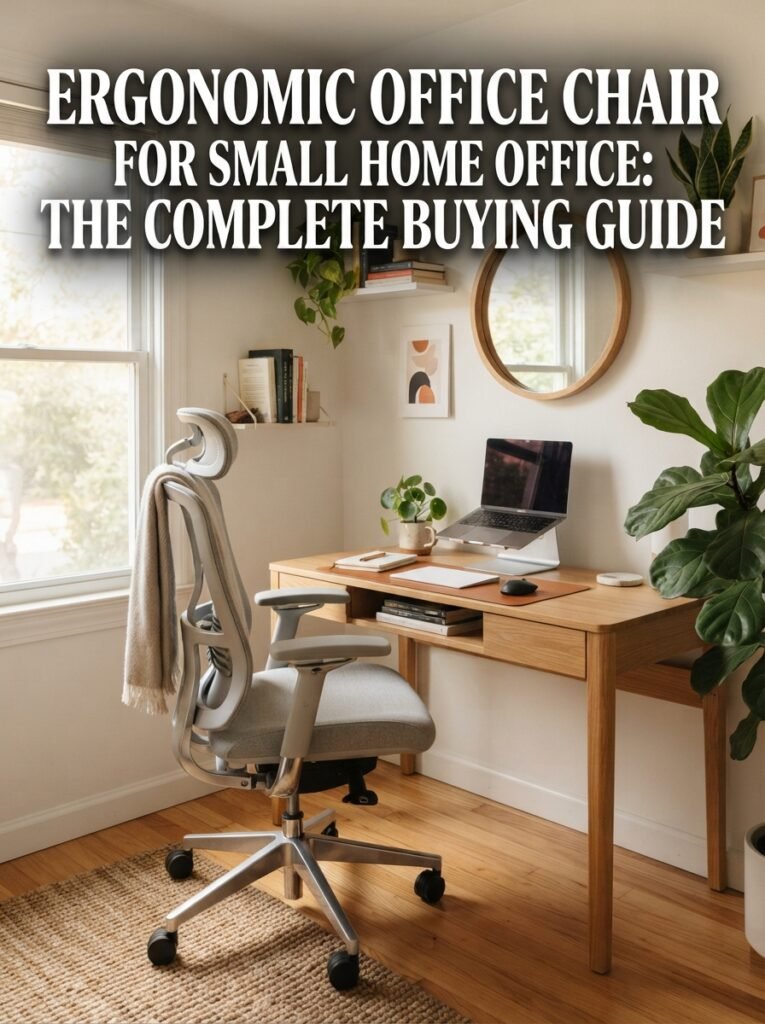
If your home office is really just a corner of your bedroom or a tiny nook by the window, you already know the problem. Most office chairs look like they were built for a huge corner office, not a small room. They stick out, they bump into the wall, and they never quite fit.
But here is the good news. You do not need a giant chair to sit well. A good ergonomic office chair for a small home office can be compact, light, and still give your back full support. You just need to know what to look for before you buy.
This guide walks you through everything, step by step, in plain simple words. No confusing terms. No fluff. Just what actually matters when you are picking a chair for a tight space.
Why This Choice Matters More Than You Think
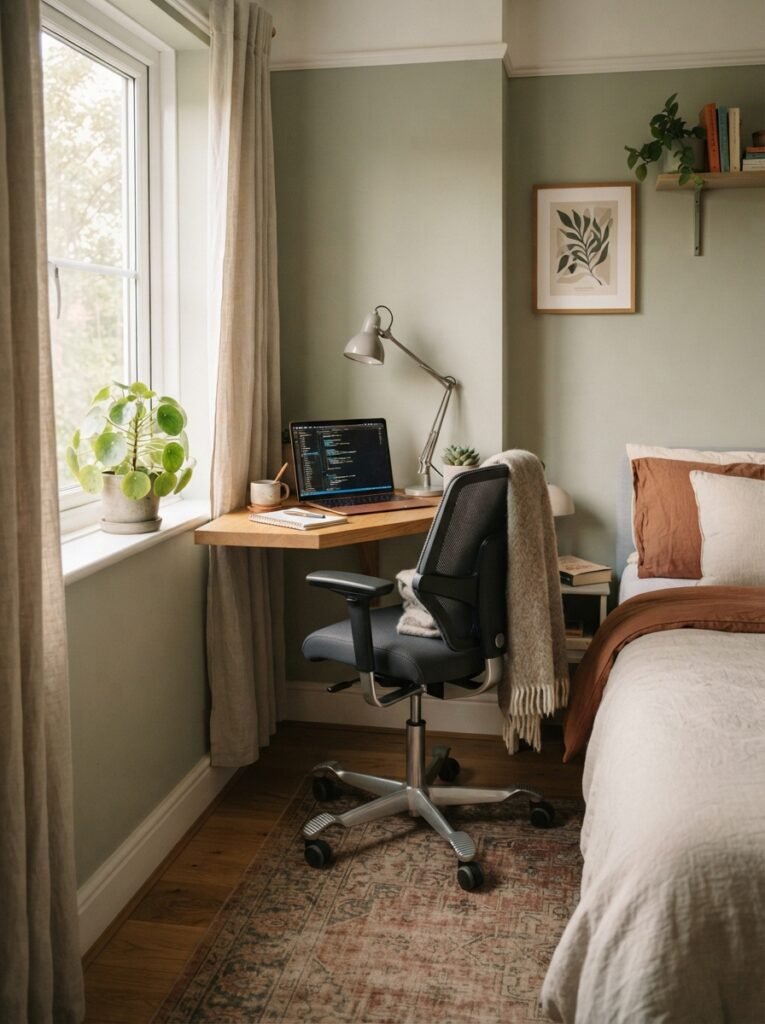
When you work from a small space, every piece of furniture has to earn its spot. A chair that does not fit right will not just look wrong. It will hurt your back, your neck, and your energy by the end of the day.
Health experts agree on this point again and again. A chair that supports your spine and lets your feet rest flat on the floor is one of the most important parts of a healthy workspace, according to the Mayo Clinic’s guide to office ergonomics. When you are working from a small home office, getting this right matters even more, because you often cannot just push a bad chair further away or add extra floor space around it.
Choosing the right ergonomic office chair for a small home office is not about squeezing in the smallest chair you can find. It is about finding one that supports your body while also respecting your room.
What Actually Makes a Chair Ergonomic
The word “ergonomic” gets used a lot, sometimes on chairs that do not deserve it. So let us keep it simple. An ergonomic chair is one that adjusts to fit your body, not the other way around.
Here is what a real ergonomic chair usually offers:
- Adjustable seat height, so your feet sit flat on the floor
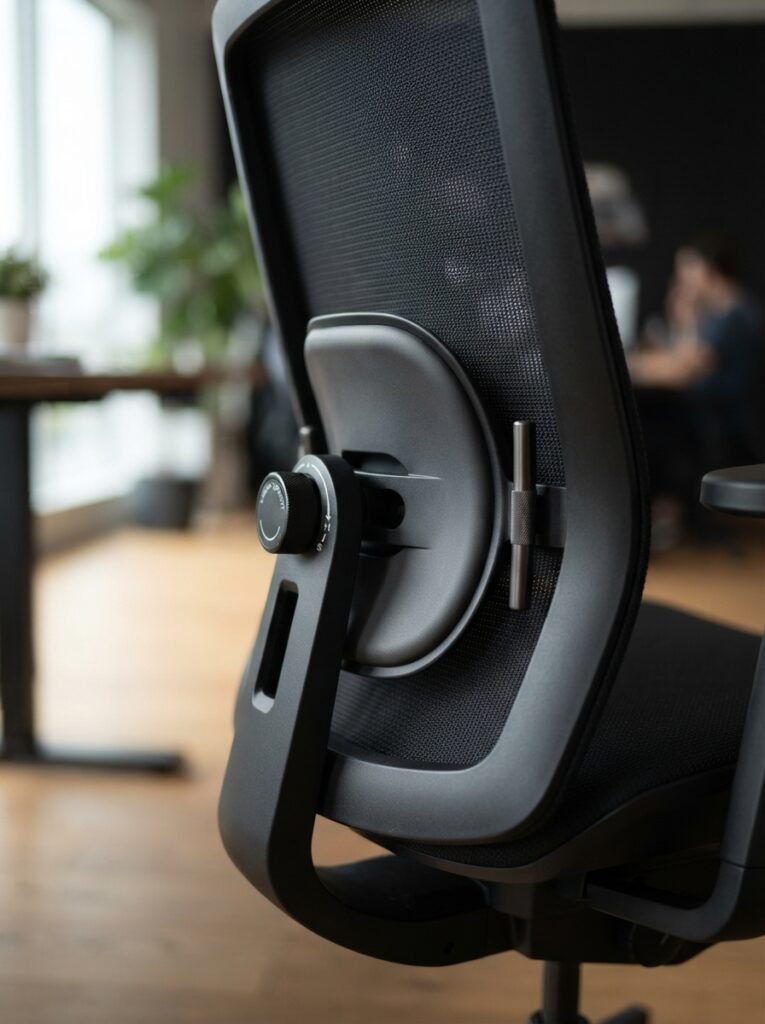
- Lumbar support that follows the curve of your lower back
- A seat depth that leaves a small gap behind your knees
- Armrests that let your shoulders relax instead of shrug up
- A backrest that supports your spine as you lean back
- A stable base with smooth rolling wheels
OSHA’s workstation guidance on chairs backs this up directly. Chairs should have a strong five legged base, and the wheels should match the type of flooring in the room. That last part surprises a lot of people, and we will cover it in detail further down, because it matters a lot in small spaces.
The Small Space Problem Most Guides Ignore
Here is something almost every other article about this topic skips. They talk about chair features. They talk about lumbar support and mesh backs. But they rarely tell you to measure your actual room before you measure the chair.
In a small home office, the chair is not the only thing in the room. There is a desk, maybe a bookshelf, a door that opens, and walking space. If you do not check your room first, you can buy a perfectly ergonomic chair that simply does not fit.
How Much Room Does a Chair Really Need
A chair does not just take up the space it sits in. It needs room to roll back, room to swivel, and room for you to stand up and sit down without hitting a wall.
Here is a simple rule to follow:
- Leave at least 3 feet of open space behind the chair so you can push back and stand
- Leave at least 2 feet on each side if you plan to swivel or turn
- Measure the width of your desk gap, not just the chair width, since armrests can be wider than the seat
If your office is very tight, an armless or low profile chair often solves this problem better than a big padded one.
Step by Step: How to Size a Chair for Your Body
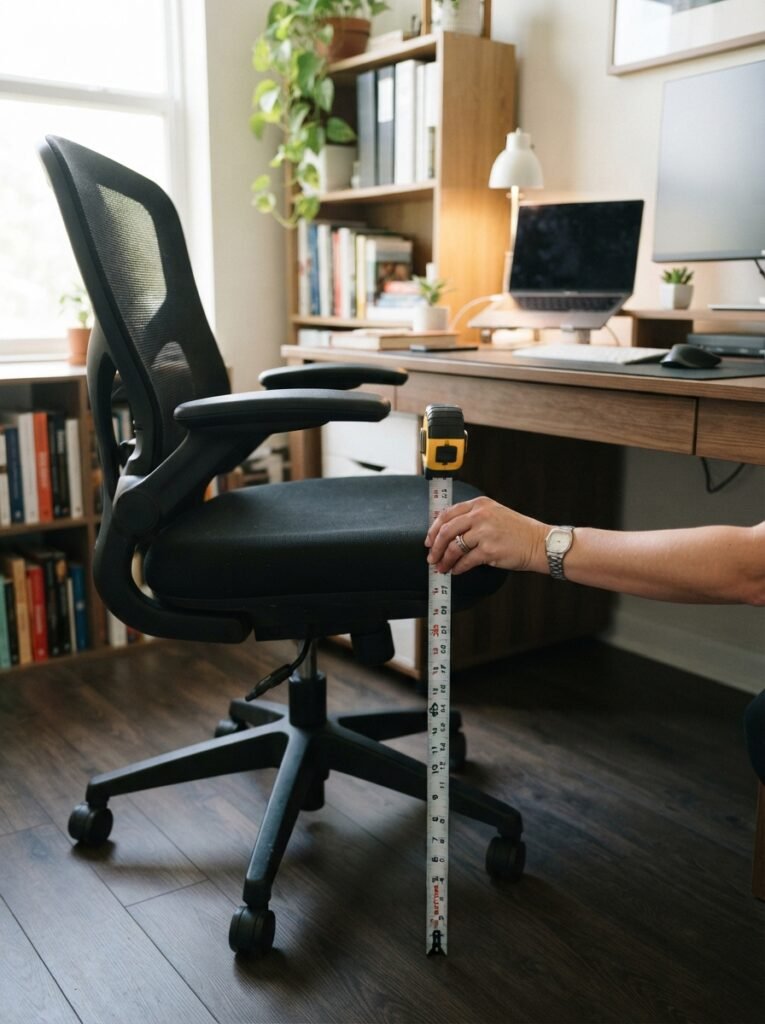
Before you look at any product, take five minutes to measure yourself. This sounds unusual, but it is the fastest way to avoid buying the wrong chair.
- Sit on a hard chair or stool with your back straight.
- Measure from the floor to the back of your knee. This tells you the seat height you need.
- Measure from your lower back to the back of your knee while seated. This is your seat depth.
- Sit with your shoulders relaxed and elbows bent at a right angle. Measure from the seat to your elbow. This is your armrest height.
- Measure the widest point of your hips while seated. This gives you your minimum seat width.
Once you have these four numbers, compare them to the chair’s spec sheet before you buy. A chair that seems comfortable for a few minutes in a store can still cause lower back pain or neck strain a week later if the fit is off, so do not skip this step just because a chair looks nice.
A good rule for seat depth is the two finger test. Sit all the way back against the backrest. You should be able to slide two or three fingers between the edge of the seat and the back of your knee. Too little space presses on your legs. Too much space means you cannot use the backrest properly. This full chair dimensions guide breaks down every measurement in more detail if you want to go deeper.
Mesh or Padded Foam: Which One Fits a Small Office Better
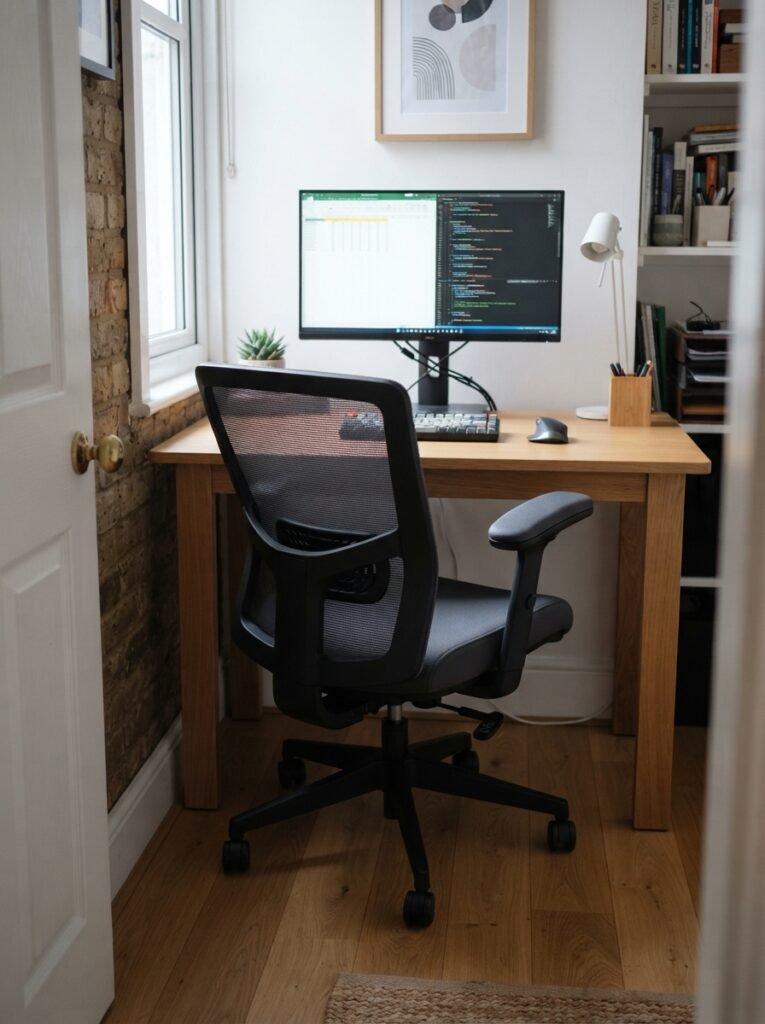
This is one of the most common questions people search before buying. Both materials work, but they suit different needs.
Mesh backs stay cool during long work sessions and keep their shape over time. They also tend to be lighter, which matters if you ever need to move the chair around a small room.
Padded foam feels softer at first and can be more comfortable for shorter sessions. Over time, foam can trap heat and lose its shape faster than mesh.
For most small home offices, especially in warmer rooms with less airflow, mesh is usually the better long term choice. If your office runs cold, foam might feel nicer.
Do You Really Need Armrests in a Small Office
This question comes up constantly, and most guides never answer it clearly. Here is the honest answer.
Armrests help your shoulders relax and reduce strain on your neck. But in a tight space, wide fixed armrests can stop your chair from sliding fully under your desk. That alone can make a small room feel even smaller.
Here is what to check instead:
- Flip up or removable armrests give you support when you need it and extra space when you do not
- Adjustable width armrests let you narrow the chair to slide under low desks
- Armless chairs work well if your desk is very low or your room is extremely tight
If your desk has a shallow gap underneath, armless or flip up armrests are almost always the smarter pick for a small home office.
Carpet or Hardwood: Why Your Wheels Matter More Than You Think
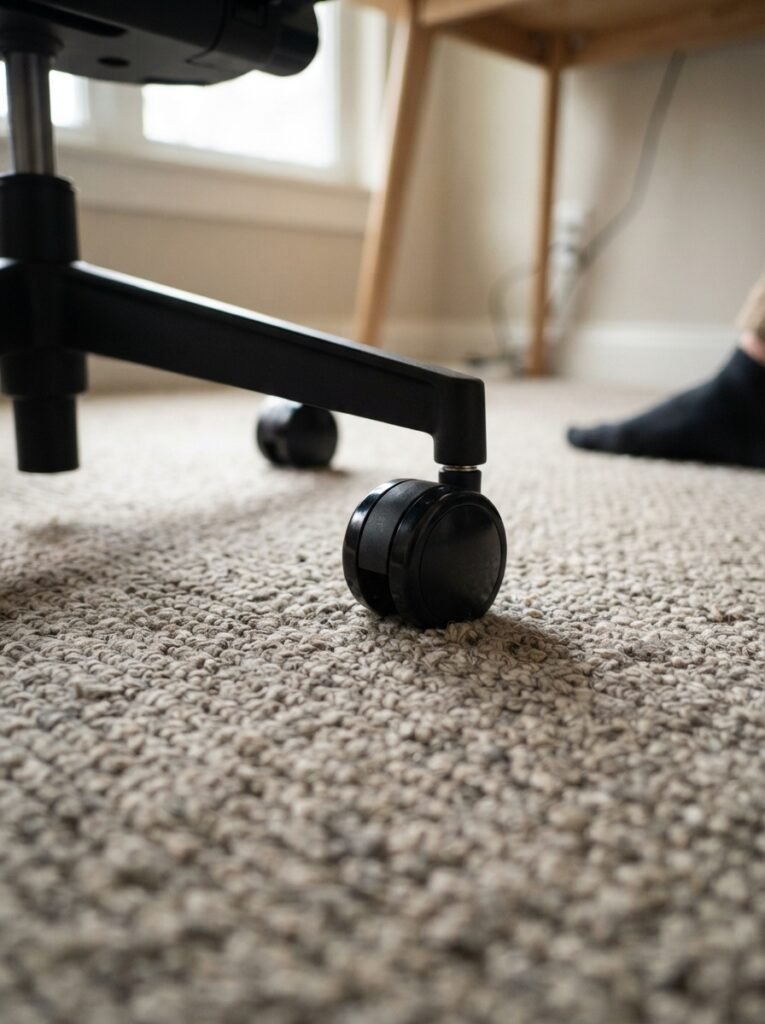
Almost no competitor content covers this, yet it makes a real difference. The wrong wheels on the wrong floor make a chair harder to move and can even damage your flooring.
OSHA’s guidance is direct about this. Casters that do not match the flooring can make it difficult to position the chair near the desk, which leads to extra reaching and bending, and eventually muscle strain.
Here is the simple version:
- Hard floors like wood or tile need soft rubber wheels so the chair does not slide or scratch
- Carpet needs harder plastic wheels so the chair does not sink or feel stuck
- If you are unsure, look for dual purpose wheels, which work on both surfaces
This one small detail can be the difference between a chair that glides smoothly and one that feels stuck every time you try to move.
Common Mistakes People Make When Buying a Small Office Chair
After looking at what most buyers get wrong, a few mistakes show up again and again.
- Buying based on size alone. A chair labeled “compact” is not automatically ergonomic. Some compact chairs skip lumbar support entirely just to save space.
- Ignoring seat depth. People check seat height and width but forget depth, which is often the real cause of leg pain.
- Choosing a big padded chair to feel fancy. A large executive style chair can trap you far from your desk in a small room, forcing you to sit on the front edge and lose all back support.
- Skipping the weight capacity check. Every chair has a maximum weight rating. Choosing one with too little margin can wear out the gas lift and cushioning much faster.
- Forgetting to check assembly size. Some chairs ship in large boxes that are hard to maneuver into a small room or up narrow stairs.
Budget Options vs Premium Picks
You do not need to spend a fortune to sit comfortably, but it helps to know what you are trading off at each price point.
Budget range chairs usually give you basic height adjustment and simple lumbar padding. They work fine for part time use or students, but the adjustability is limited.

Sweetcrispy Ergonomic Computer Desk Chair, Mesh Office Chair
Mid range chairs typically add adjustable armrests, better lumbar support, and sturdier mesh. This range is the sweet spot for most people working from home five days a week.
Premium chairs offer full adjustability, including seat depth, tilt tension, and multi position lumbar support. These are worth it if you sit for eight or more hours a day and have had back pain before.
If you want to compare specific models before you buy, this Amazon selection of ergonomic office chairs for small spaces is a good place to check current prices and real customer reviews side by side.

OLIXIS Armless Home Office Chair, Ergonomic Small Desk Chair
Setting Up Your Chair the Right Way
Buying the right chair is only half the job. Setting it up correctly is what actually protects your back.
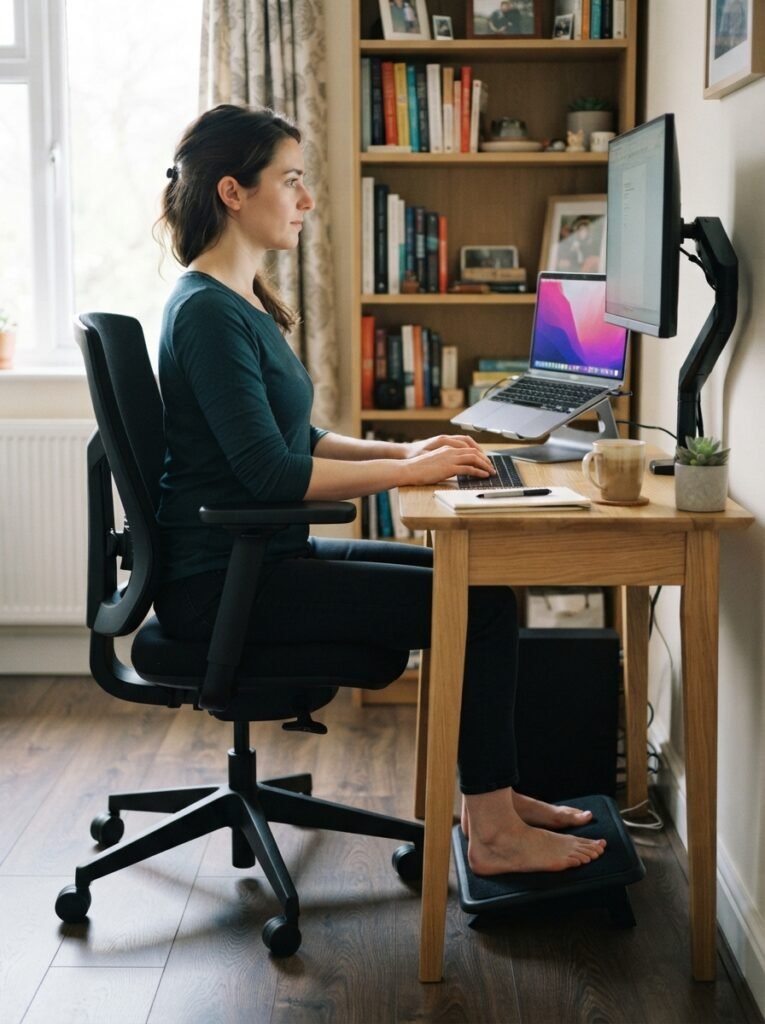
Adjust the height of the chair so your feet rest flat on the floor, or use a footrest so your thighs stay parallel to the floor. If your chair has armrests, set them so your arms rest gently with your elbows close to your body and your shoulders relaxed, as the Mayo Clinic recommends.
A few more quick tips:
- Sit all the way back so the lumbar support actually touches your lower back
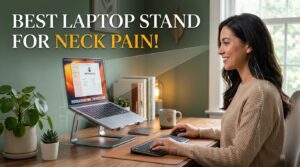
- Keep your screen at eye level so you are not tilting your neck down all day
- Stand up and move every thirty to forty minutes, even in a small office
- Recheck your chair height whenever you switch between sitting and a standing desk setup
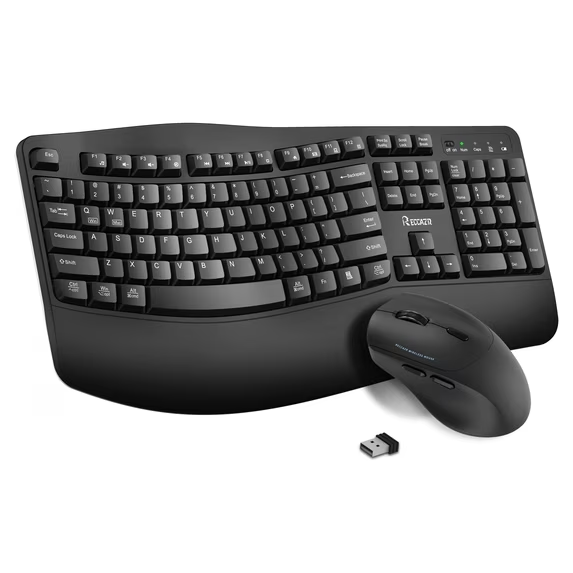
OSHA’s full guide to good working positions covers posture for the rest of your desk setup too, including monitor height and keyboard placement, which work together with your chair.

Support Mothers Supplies Cushions Adjustable
If your lower back still feels tired after a full day, a simple add on like this lumbar support cushion for office chairs can help while you save up for a chair with built in adjustable lumbar support. A chair mat for hardwood or carpet also protects your floor and makes rolling easier in a tight room.
If your small office also includes a standing desk converter, our guide to choosing a standing desk converter for small spaces walks through how to pair it with the right chair height.
Small Home Office Chair Setup: Full Checklist
Use this quick checklist before you finalize your purchase.
- Room has at least 3 feet of clearance behind the chair
- Chair seat depth matches your measured leg length
- Armrests are removable, flip up, or narrow enough to fit under your desk
- Wheels match your floor type
- Chair weight capacity is above your body weight with a safety margin
- Mesh or foam choice matches your room’s temperature and airflow
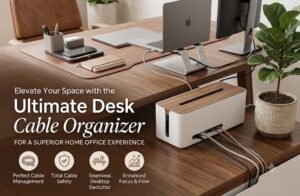
Pairing the right chair with the rest of your setup makes the biggest difference. Our desk lamp guide for small home offices and desk organizer picks for tight spaces both cover the accessories that complete a compact ergonomic setup, and our roundup of compact air fryers for small kitchens is a good example of how the same space saving thinking applies across a small home.
Frequently Asked Questions
What is the best ergonomic office chair for a small home office?
The best chair is the one that fits your body measurements and your room size, not the one with the most features. Look for adjustable seat depth, lumbar support, and a compact or armless design if your space is tight.
Can a small chair still be ergonomic?
Yes. Comfort comes from proper support and adjustability, not from the size of the chair. A well designed compact chair can support your back just as well as a large one, sometimes better, since it fits your desk properly.
Do I need armrests in a small home office?
Not always. If your desk has a low clearance, flip up or armless chairs usually fit better and still support your shoulders when needed.
Is mesh or foam better for a small office chair?
Mesh is usually better for long hours since it stays cooler and holds its shape. Foam feels softer but can trap heat over time.
How much space does an office chair need behind it?
Aim for at least 3 feet of clear space behind the chair so you can push back, stand, and sit without bumping into a wall or shelf.
What is the correct seat height for a home office chair?
Your feet should rest flat on the floor with your knees close to a right angle. This helps keep your back, legs, and arms supported and reduces awkward posture. If your feet do not reach the floor, add a footrest instead of leaving them hanging.
How do I know if a chair is too small for me?
If the seat feels narrow, your thighs feel squeezed, or the backrest does not reach your lower back, the chair is too small. A proper fit should let you sit fully back without strain.
Final Thoughts
Picking an ergonomic office chair for a small home office does not have to be complicated. Measure your room, measure your body, and match both to the chair’s real specs before you buy. Skip the chairs that promise comfort through size alone, and focus on adjustability instead.
A chair that fits your space and supports your back will do more for your workday than any expensive extra feature ever could.